Virtual care with telehealth
We want you to be at your most comfortable during your visit, regardless of where you may be in Massachusetts.
Telehealth virtual visits are now easier than ever! Call us at 617-569-5800 today, or use MyChart to see if a virtual video visit is right for you.
Virtual Visits from the Comfort of Your Home
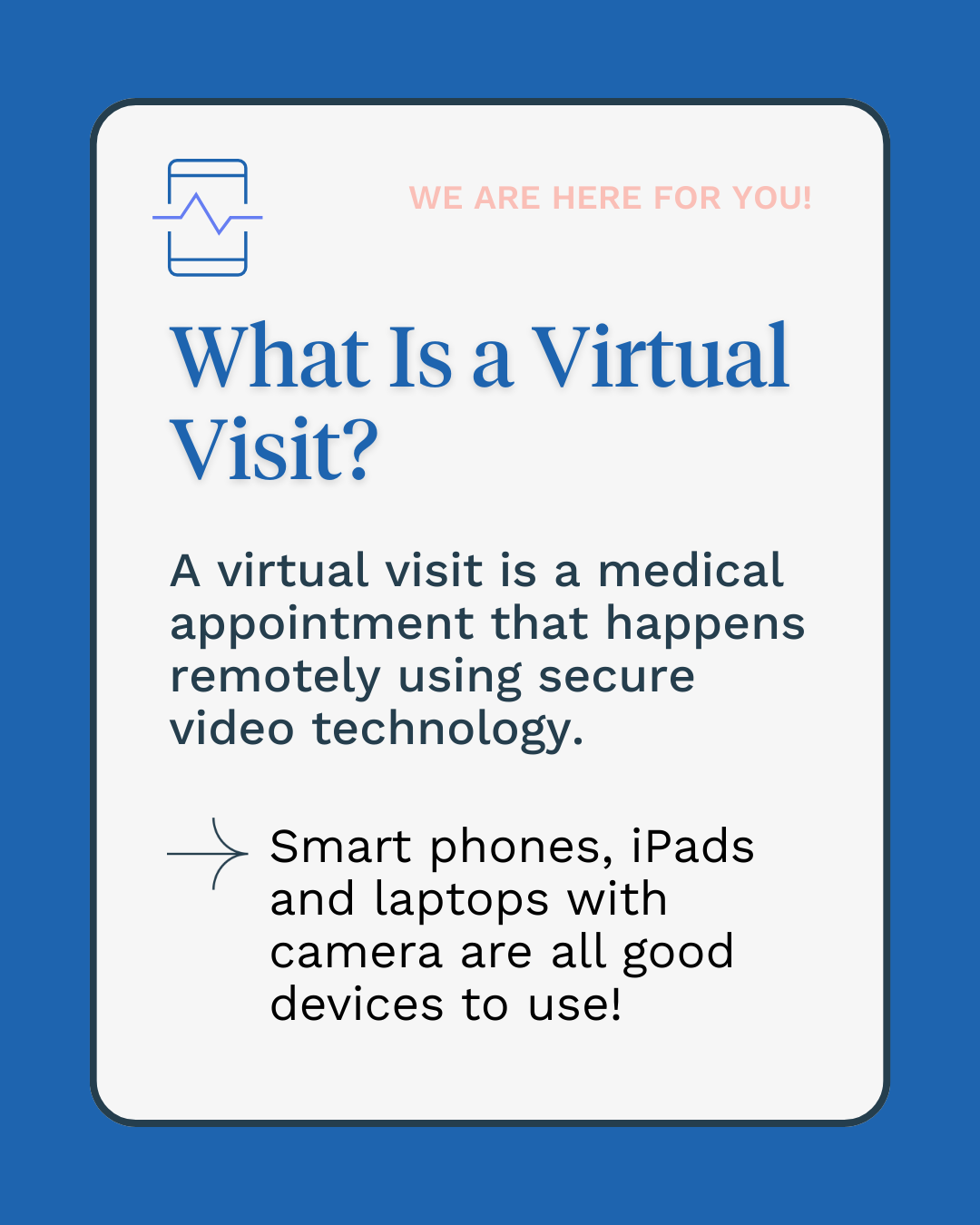
NeighborHealth is pleased to provide you with high-quality care from the comfort of your home. You can now schedule a video visit with your doctor for certain appointments and evaluations.
When scheduling your visit, the provider will determine if a video visit is right for you.
How should I prepare for my telehealth virtual visit?
🔋 Have your computer, tablet, or phone fully charged or plugged in
📶 Connect to Wi-Fi and make sure you have a strong internet connection
⏰ Be ready 10 minutes early for your appointment
🤫 Find a quiet, private space away from distractions
📝 Have a pen and paper (or a separate device) ready to take notes
🎥 Turn the camera on so you and your provider can be face-to-face
🎧 Use earphones if you have them for added privacy
How does the telehealth visit start?
Follow these tips to make sure your virtual visit goes smoothly.
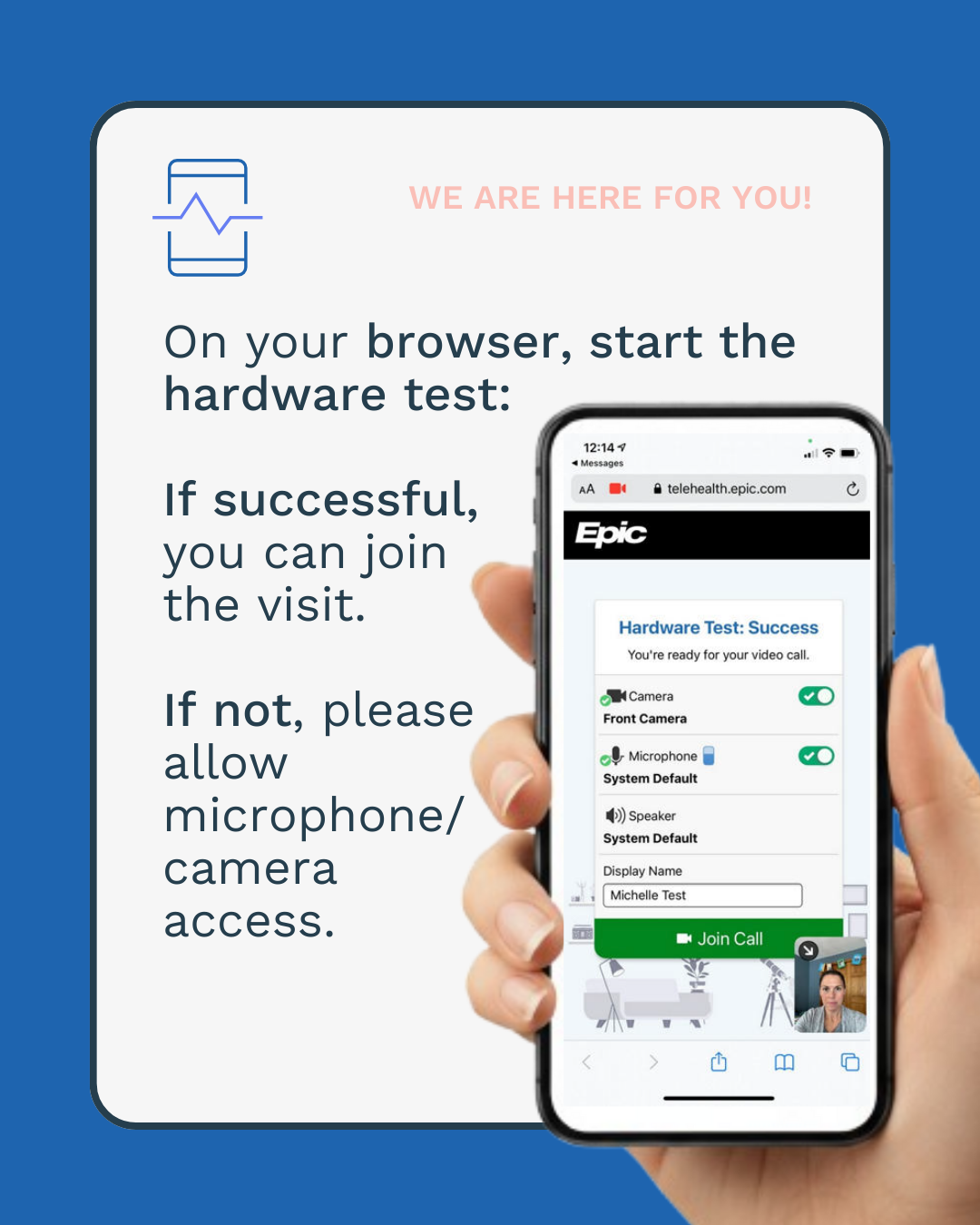
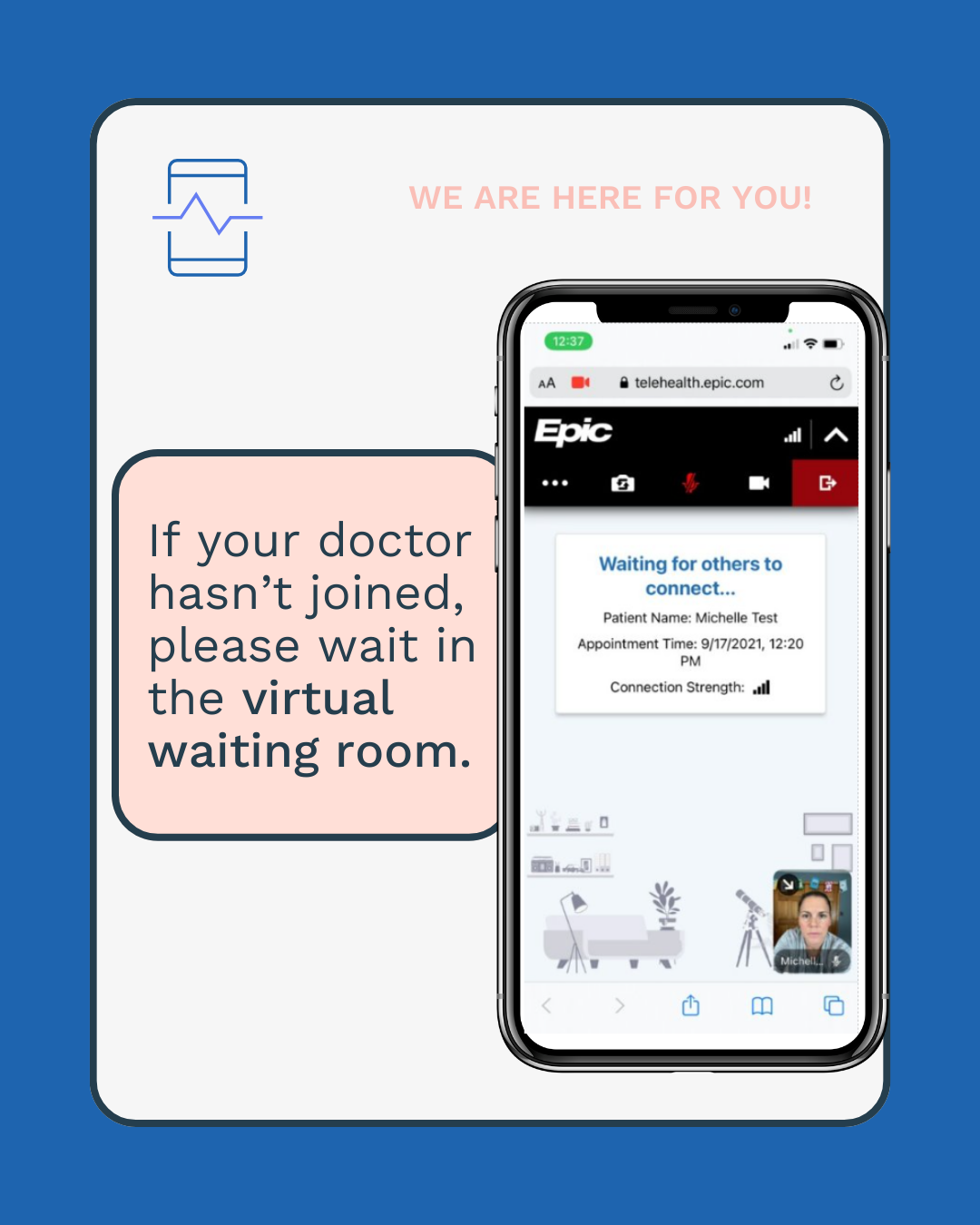
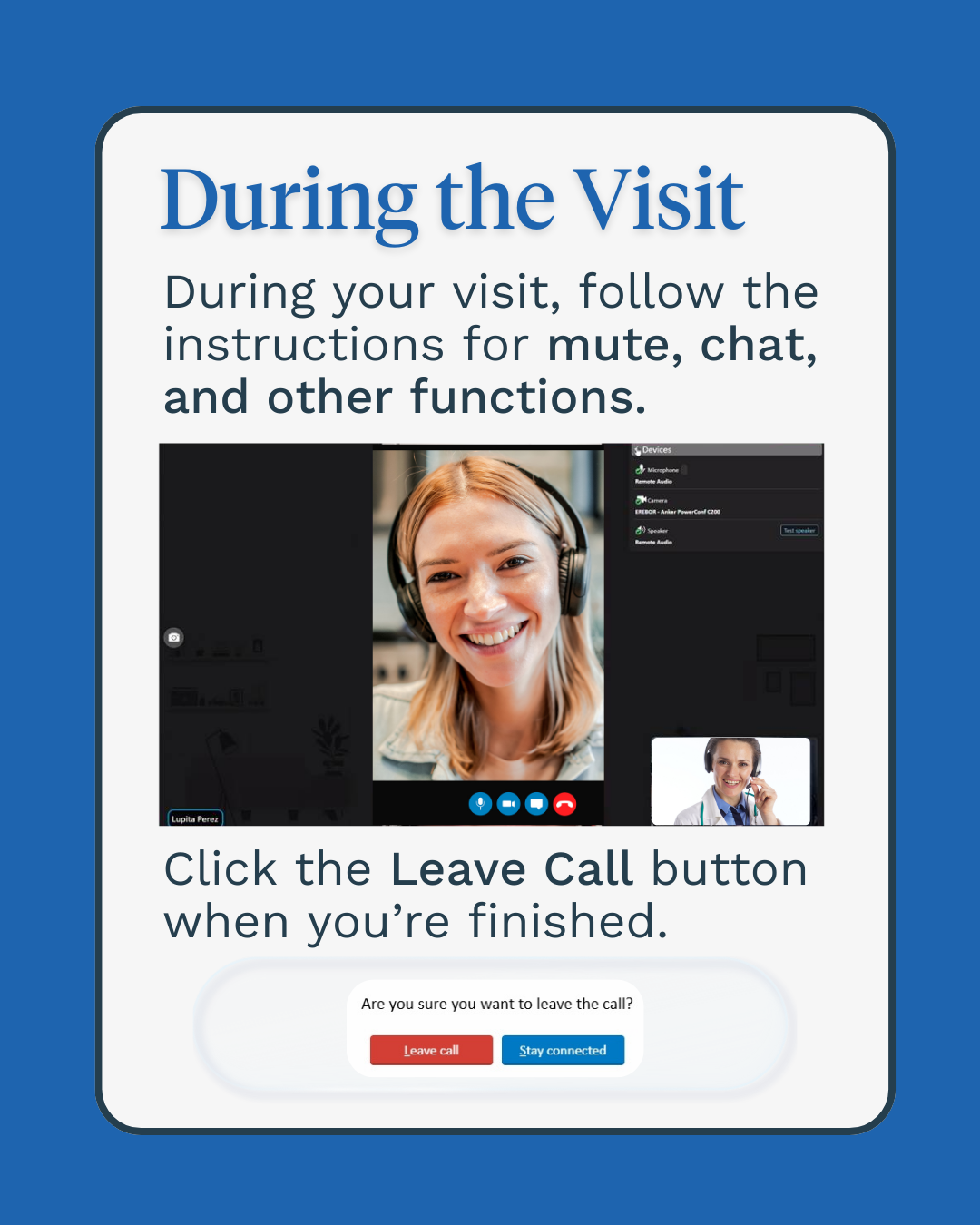
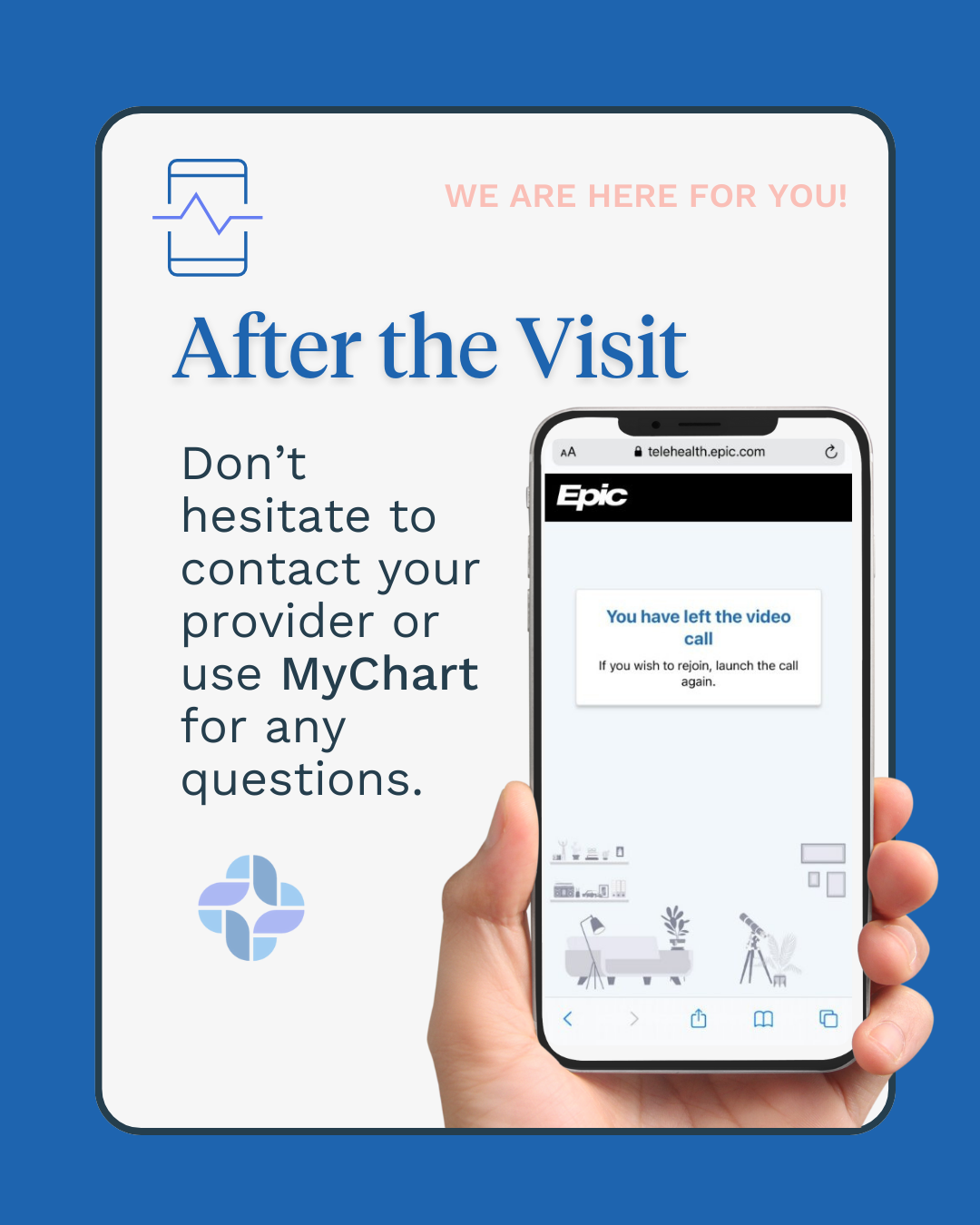
Download our Tip Sheet here.
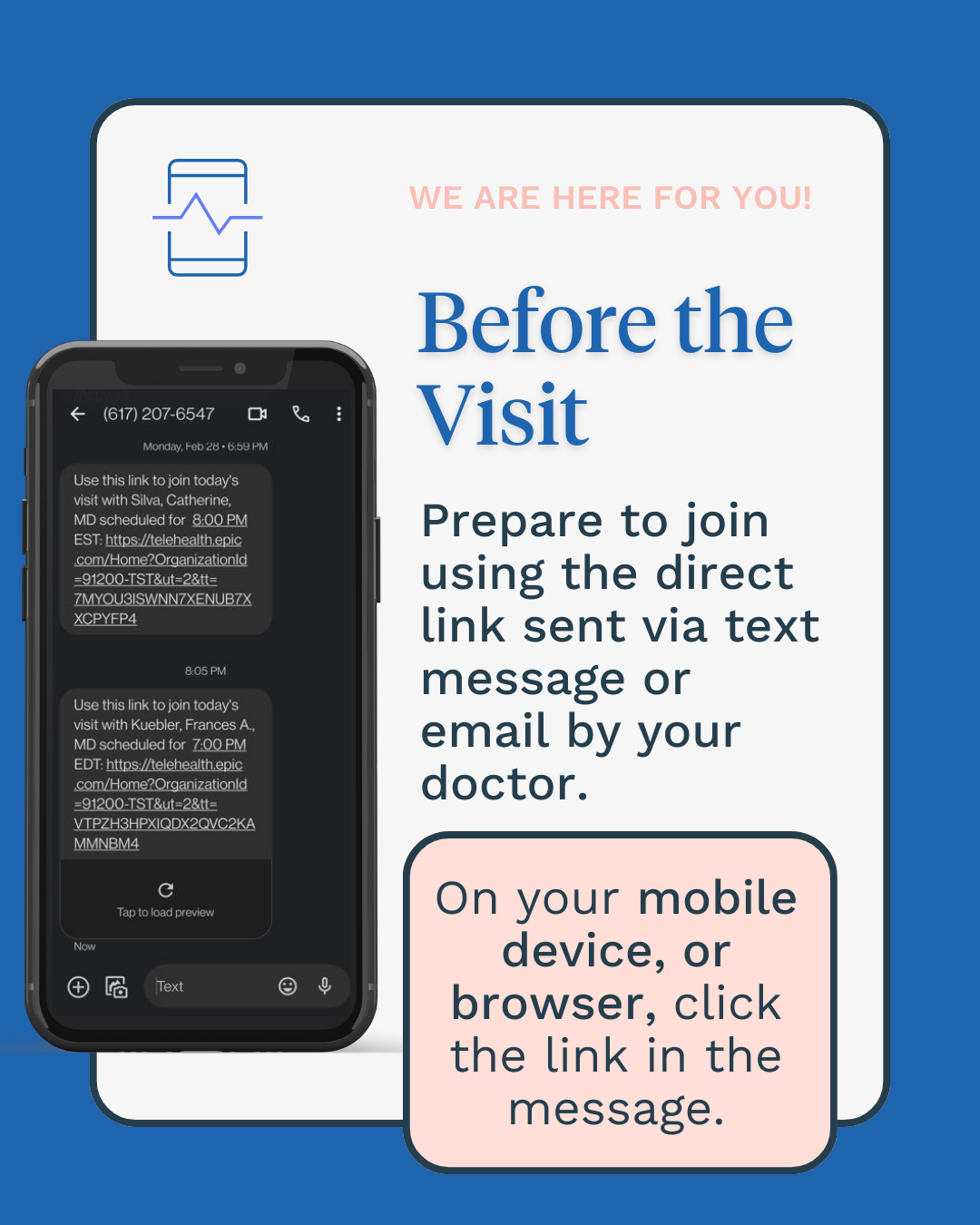
It’s easy! You will receive a link via text message when your doctor is ready. Click the link, follow the prompts, and wait for your doctor to join.
- To receive a link via email, provide your email when scheduling and indicate this preference.
Good news: You will not need to download a special application on your phone, tablet, or computer. The link in your text or email is all you need!
Will my health insurance be charged for a telehealth visit?
Yes, telehealth visits are billed like office visits. You may have to pay a co-pay or deductible, depending on your insurance.
Just like a normal in-person visit, you can call your provider or send messages using the MyChart platform.
Don’t have MyChart? Click here, call Patient Services at 617-568-4600, or email MyChartSupport@neighborhealth.com.